

Spend months building content, only to find your rankings are stagnant or even dropping too. Despite putting in all your efforts, you yourself might be hurting your website’s SEO through keyword cannibalization.
Keyword cannibalization is when two of your pages or blogs are competing for the same keyword, unintentionally hurting your SEO. It not only confuses the search engines about which page to rank but also hurts your traffic and growth. To win at SEO, avoiding keyword cannibalization is a must.
What is Keyword Cannibalization?
Keyword cannibalization is when multiple pages from your website appear for the same keyword and compete with each other. While you might be thinking that it’s good if multiple pages are ranking, it’s not. It can affect your rankings and confuse the search engine about which page to rank.
It is all about the intent. If your pages continue to target the same user need, both might hurt each other’s rankings and their ability to attract users.
How Keyword Cannibalization Undermines Your SEO Strategy
Ranking Dilution
When multiple pages on your website target the same keywords, they end up competing with each other. While you might be thinking it will strengthen your overall authority, it ends up hurting your SEO.
CTR Split
Keyword cannibalization can split your CTR across multiple URLs. When more than one page appears in search results for the same query, users may click inconsistently. Instead of one strong page ranking, multiple pages rank, dividing the traffic, and none perform better.
Crawl Budget Waste
Search engines often offer a limited crawl budget to each website, and when you have multiple pages for a single keyword, search engines might spend unnecessary time crawling similar or duplicate content.
Search Engine Confusion
Search engines might struggle to rank one page, as they might get confused about which page deserves more authority and which not. This can result in inconsistent rankings, position fluctuations, and more.
Real Example of Keyword Cannibalization
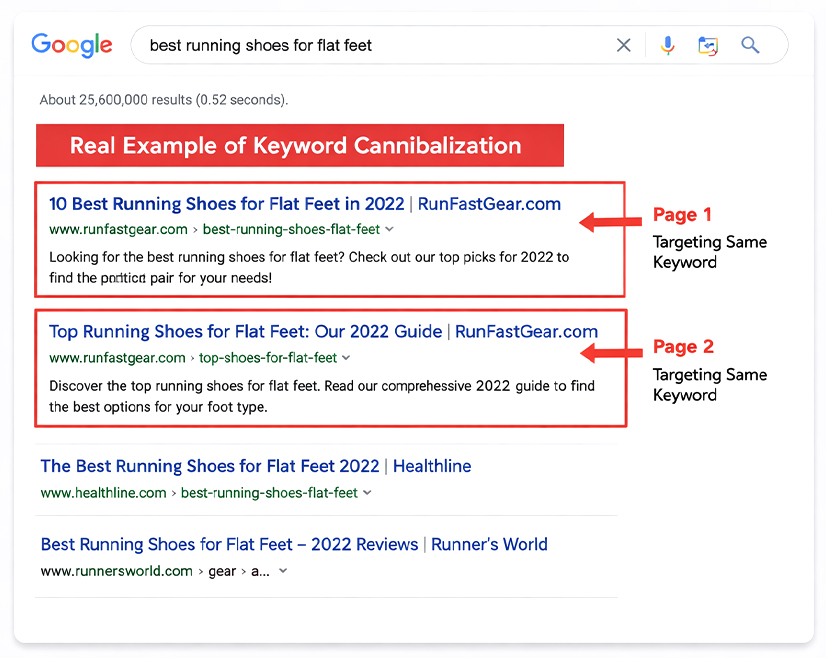
To understand the impact in a practical environment, consider a common conflict between an educational blog post and a commercial service page:
URL A: example.com/services/ecommerce-seo (Targeting “Ecommerce SEO”)
URL B: example.com/blog/guide-to-ecommerce-seo (Targeting “Ecommerce SEO”)
When both pages have the same high-intent term, you will often observe ranking fluctuations. One week, Google may rank the blog post at position #8; the next week, it might swap it for the service page at position #14.
Because the search engine cannot determine which page is the definitive authority for that query, it fails to stabilize as well. Instead of the service page holding a steady top-3 position to drive conversions, the two URLs “flicker” in the results, leading to inconsistent traffic and a lower overall conversion rate.
Also Read: Your B2B SEO Strategy Is Broken — Here’s How to Fix It in 2026
How to Identify Keyword Cannibalization?
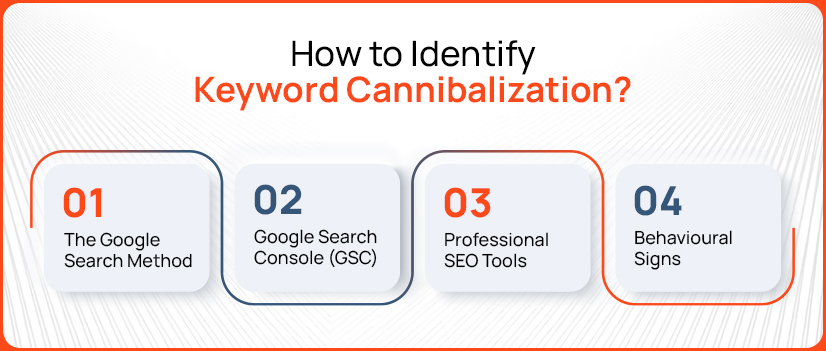
The Google Search Method
One of the easiest ways to identify keyword cannibalization is using the Google Search method. Type site:yourdomain.com “keyword,” and if you witness more than one page’s rankings, there’s a chance they are competing for each other.
Google Search Console (GSC)
Use Google Search Console, as it shows which pages are getting impressions and clicks for the same keyword.
Professional SEO Tools
Use professional SEO tools like Ahrefs, Semrush, and more to find out overlapping keywords and pages.
Behavioural Signs
You must look for the behavioural signs of your website. Look for simple signs like pages changing rankings or sudden drops in traffic.
Also Read: How to Create SEO-Friendly URLS in 6 Steps
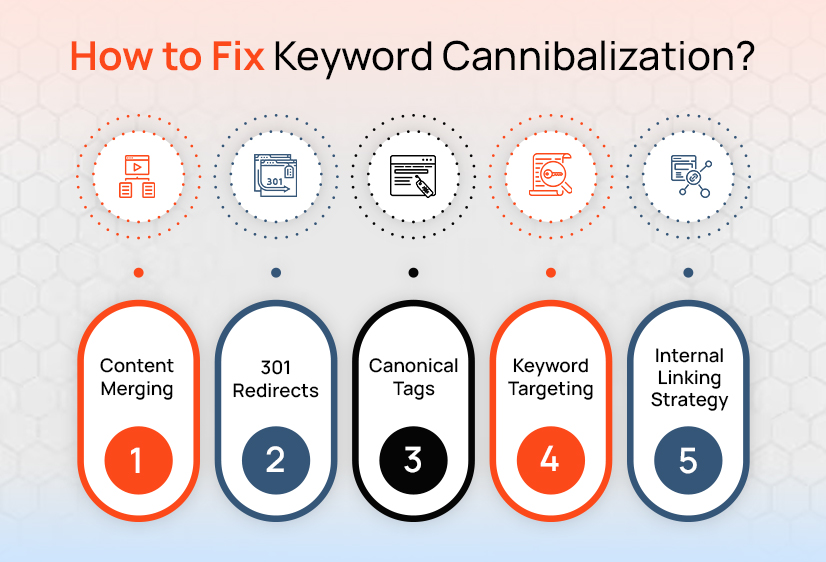
How to Fix Keyword Cannibalization?
Content Merging
If you have multiple pages on the same topics that are clashing on the same keyword, then you must combine them and create a strong, detailed page that can help in improving ranking.
301 Redirects
Once you have removed those pages or have merged them, make sure to set up redirects so users and search engines are directed to the main page.
Also Read: 301 Moved Permanently: What It Is and How to Fix It
Canonical Tags
If you want to keep the similar pages as they are, you must leverage canonical tags to tell search engines which page is the main one.
Keyword Re-optimization
Make sure to give each page a unique keyword and purpose. Make sure not to target the same keyword on multiple pages.
Internal Linking Strategy
Link more often to your main page using relevant anchor text. This indicates to the search engine which page is most important.
Also Read: Internal Linking Strategies to Boost On-Page SEO
Best Practices to Avoid Keyword Cannibalization
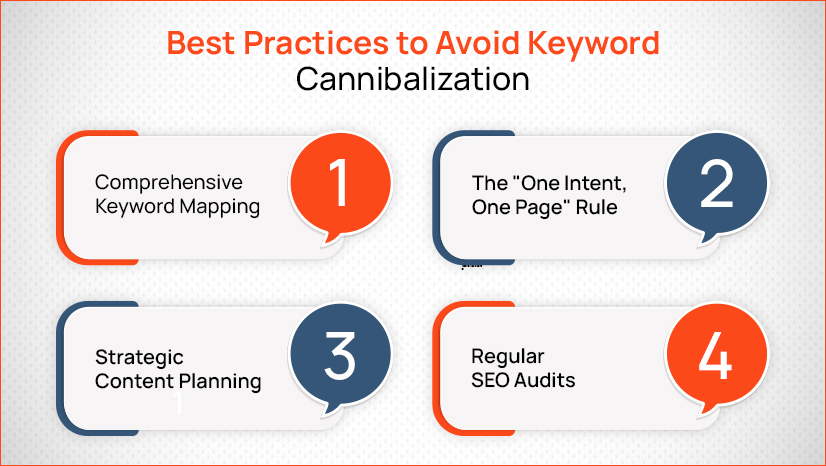
If you want to avoid keyword cannibalization to make sure that your website ranks well without confusing users and search engines, then you must follow these practices:
Comprehensive Keyword Mapping
Keyword research is important, so you must plan the keywords in advance and assign one main keyword to each page.
The “One Intent, One Page” Rule
Follow a one-intent and one-page rule when planning your content creation. Each page should have an answer to one specific question or intent.
Strategic Content Planning
Strategic content planning is crucial, so you must organize your content properly so topics don’t overlap.
Regular SEO Audits
Check your website regularly and conduct SEO audits to catch and fix issues early.
Keyword Cannibalization Tools
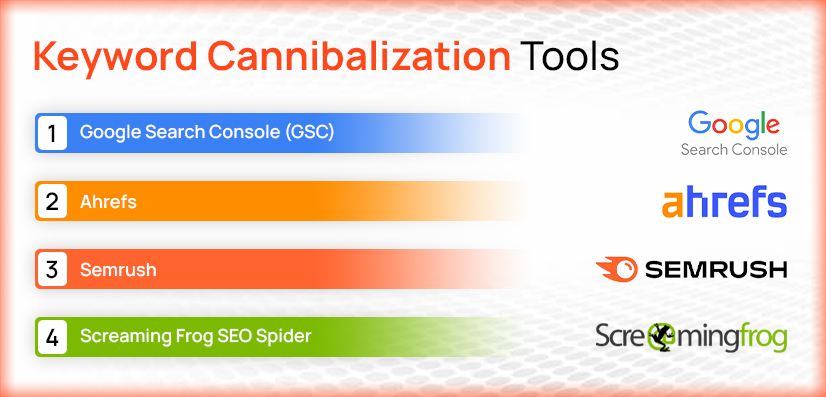
- Google Search Console (GSC)
- Ahrefs
- Semrush
- Screaming Frog SEO Spider
Quick Checklist: Resolving Keyword Cannibalization
- Audit Rankings: Find pages targeting the same keyword
- Analyze Intent: Make sure each page has a different purpose
- Select a Primary URL: Choose the main page to rank
- Consolidate Value: Merge or improve content
- Implement Redirects: Redirect extra pages
- Update Internal Links: Link to the main page
- Monitor SERPs: Keep tracking your results
Also Read: Top SEO Reporting Tools Every Marketer Should Use
In a Nutshell!
Keyword cannibalization is a common issue websites deal with when your own pages compete with each other for the same keywords. This can hurt your rankings and even confuse your search engines about which pages to rank and whatnot.
You must get it fixed as soon as possible. It will help you keep your content clear, focused, and well-organized. Proactively auditing your content ensures that every page serves a unique purpose, ultimately stabilizing your rankings and maximizing your ROI.



