
Most of the WordPress websites don’t struggle because of the competition but because of missed SEO opportunities. You can publish web content and blog after blog, but if your website isn’t optimized for how search engines crawl, interpret, and rank content, your traffic will still fall.
This WordPress SEO checklist is built for you so you can clearly understand how you can optimize your website in 2026. This checklist will help you fix that step-by-step.
Why WordPress SEO Still Matters in 2026
Google prioritizes excellent user experience and helpful content. If your website isn’t optimized, then you might experience various issues, and your website growth might become stagnant. WordPress surely gives you the flexibility, but its SEO is highly dependent upon how you use it. It doesn’t automatically make it optimized.
WordPress lacks technical SEO configuration, structured content optimization, and authority signals. But search engines now prioritize helpful and experience-driven content, fast and stable user experiences, and clear topical authority. So, you should optimize your WordPress website thoroughly and strategically, not just by publishing content.
Technical SEO Checklist for WordPress
Technical SEO is crucial when it comes to making your website accessible, crawlable, and understandable by search engines. You need to optimize your website’s technical SEO; otherwise, even great content won’t perform.
Also Read: Is SEO Dead in 2025? Debunking the Myths & Impact of AI!
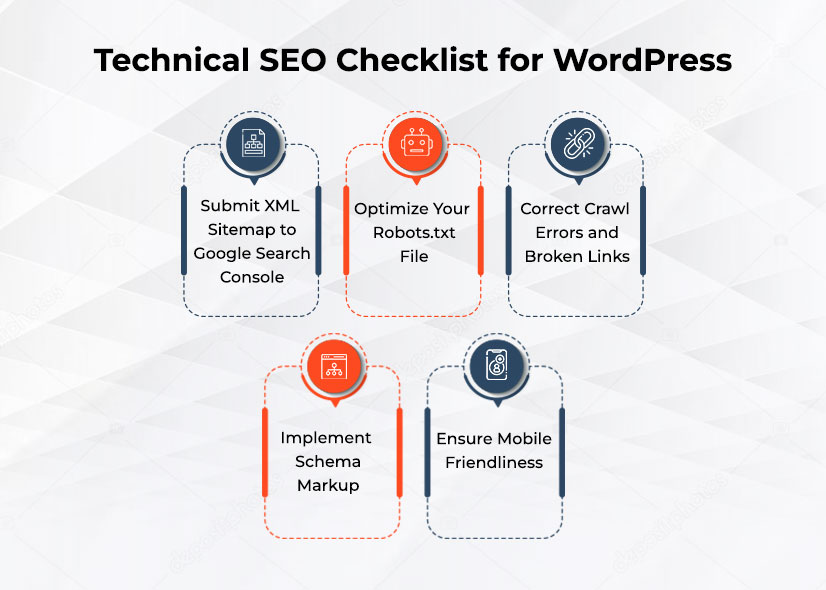
Submit XML Sitemap to Google Search Console
XML sitemaps function as a systematic guide to help search engines navigate your website and find all the key webpages there. Although the creation process is automated in many CMS systems and SEO plugins, you have to go a step further and make sure that the sitemap is submitted to Google.
By doing that, you’ll improve the performance of your website’s crawling and help search engines understand what new pages were created or updated recently.
Importance:
- Improving the indexing speed of fresh/updated content
- Understanding website structure
- Prioritizing pages that have value
Action plan:
- Finding the location of your sitemap (typically it is /sitemap.xml)
- Submitting it to Google Search Console
- Re-submitting it when changes take place
Optimize Your Robots.txt File
Robots.txt files help search engines access certain parts of your website and avoid others. The mistake that many marketers make is to complicate their robots.txt and block all kinds of pages accidentally and end up losing traffic in the process. To prevent such situations from happening, try to keep the file simple.
Key tips:
- Allowing crawls of the main content pages
- Blocking all administration panels
- Avoiding unnecessary blocks of important assets (CSS, JS, etc.)
Also Read: WWW vs Non-WWW: Which is Right from SEO Perspective
Correct Crawl Errors and Broken Links
Broken links do not only ruin the user experience but also indicate low maintenance of the site to search engines. Crawl errors are a waste of your crawl budget that may block important pages from being favoured to be indexed. Frequently checking your site keeps it technically sound and usable.
Types of problems to address:
- 404 (Page Not Found) errors.
- Chain or redirect loops.
- Outdated internal links
Fix strategy:
- Redirect old URLs to the corresponding pages.
- Fix or replace internal links that are broken.
- Eliminate unnecessary pages.
Implement Schema Markup
Schema markup consists of structured data that enables the search engines to understand your information in a better way. It helps increase the likelihood that your pages will be shown in more favourable search results because you provide context to your pages.
This does not increase rankings directly but has a tremendous positive effect on visibility and click-through rates.
Also Read: Complete E-commerce SEO Checklist to Boost Your Online Store Rankings
Examples of schema:
- Article outline on blog posts.
- Question-based schema of FAQs.
- Local business schema of location-based services.
Benefits:
- Enables rich results in search results.
- Improves click-through rate (CTR)
- Enhances content visibility
Ensure Mobile-Friendliness
When using mobile-first indexing, Google will mostly consider the mobile version of your site. When you have a bad mobile experience, this can hurt rankings, despite having a good desktop site. Your site should provide a quick and easy experience on all gadgets.
The main factors to be optimized are:
- Flexible and dynamic design.
- Quick mobile loading speed.
- Smooth design with no visual contrasts.
On-Page SEO Checklist
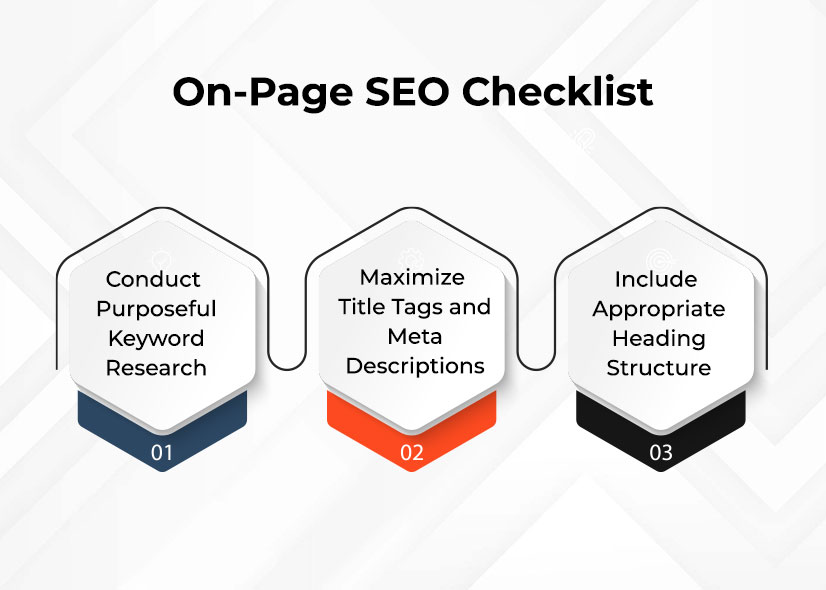
Conduct Purposeful Keyword Research
The first step to good SEO is the intent of the user. Rather than going after general keywords, go after what users really need, which could be information, a solution, or a transaction. Making your content and intent match gives you improved rankings and increased engagement.
Focus areas:
- Specific purpose long-tail keywords.
- Informational vs. transactional queries.
- Keywords that were a natural match to your content.
Strategy:
- Correlate keywords with page purpose.
- Do not confuse two or more purposes in one article.
- Be clear instead of stuffing keywords.
Maximize Title Tags and Meta Descriptions
Title tags affect ranking, and meta descriptions result in clicks. They collectively serve as the initial impression of your content in search results.
Best practices:
- Insert your main keyword in a natural manner.
- Make titles direct, to the point, and advantageous.
- Write captivating or valuable meta descriptions.
Include Appropriate Heading Structure
Headings make sense of what you have to say and hence are easier to understand by the users and the search engines. The presence of a clear hierarchy makes it more readable and optimizes SEO.
Structure guidelines:
- Use one H1 per page
- Write with H2 in major parts.
- Supporting subtopics with the help of H3.
This logical flow enhances navigation and the user experience of content.
Also Read: The Ultimate Guide to On-Page SEO Optimization
Content Optimization Checklist (Core of SEO)
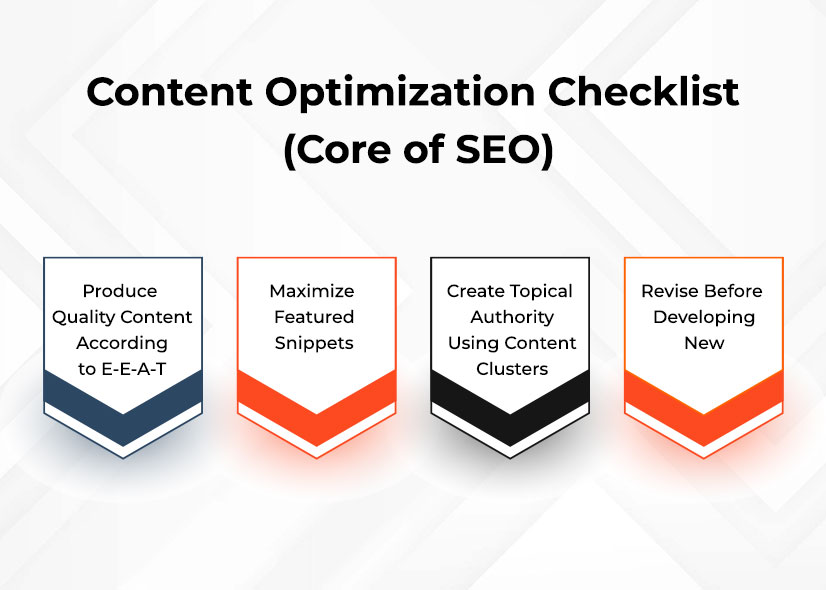
Produce Quality Content According to E-E-A-T.
The content displayed by search engines is ranked based on Experience, Expertise, Authority and Trust. This implies that your content must not merely be there but must really benefit users. Quality content addresses real issues and offers valuable information.
How to implement:
- Be clear and straightforward in writing.
- Address real user pain points
- Do not use generic or superficial information.
It is not aimed at creating more content but at creating better content.
Also Read: Top SEO Content Marketing Strategies to Boost Traffic in 2026
Maximize Featured Snippets
The snippets are featured at the top of the search results and can greatly enhance visibility. Organizing your content well can make you more likely to win these ranks.
Optimization techniques:
- 2-3 lines – give direct answers.
- Bullet points, numbered lists.
- Add properly organized FAQs.
Create Topical Authority Using Content Clusters.
Instead of posting random things, create groups of related posts around one central theme. This will indicate experience and build your power within a niche.
Example structure:
Main topic: WordPress SEO
Supporting topics:
- Keyword research
- Technical SEO
- Link building
Key strategy:
- Interlink related articles
- Be consistent in discussing topics.
- Not only breadth but also depth.
Revise Before Developing New
It is also common to update old content more efficiently and quickly than to write new posts. It enables you to gain rankings without necessarily having to start afresh.
What to update:
- Introduce new knowledge and information.
- Enhance design and legibility.
- Refresh keywords
- Fix outdated links
Speed and Performance Optimization of Sites
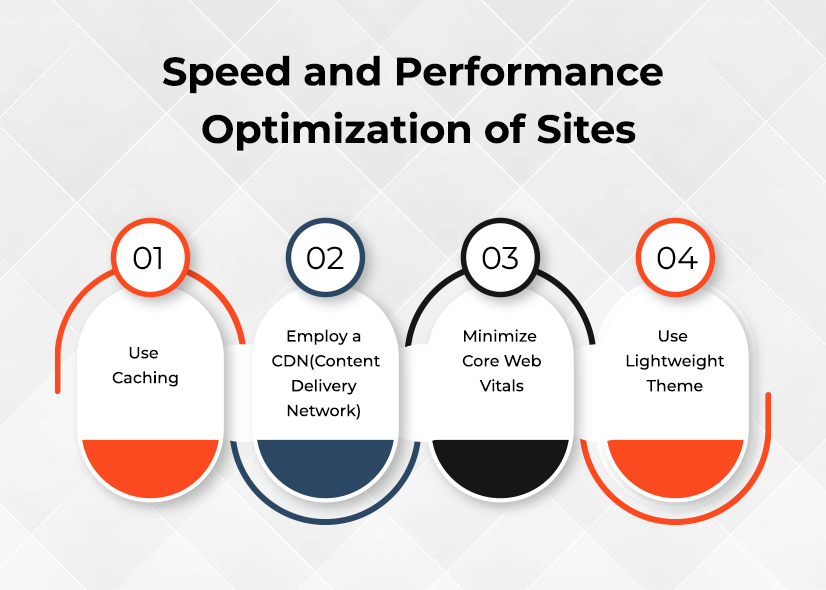
Use Caching
Caching is storing a static copy of your site, which will decrease load time and enhance user experience. It reduces the number of requests to the server and accelerates the delivery of content.
Employ a CDN (Content Delivery Network)
A CDN spreads your web content to multiple servers worldwide so that your users can access your site using the closest server.
Benefits:
- Faster load times
- Improved global performance
- Reduced server load
Minimize Core Web Vitals
The core web vital metrics are important performance metrics that Google uses to measure user experience.
Focus areas:
- Loading speed
- Visual stability
- Responsiveness
Enhancing these directly has an effect on the rankings as well as user satisfaction.
Use Lightweight Theme
Heavy content has the potential of slowing down your site. A clean and optimized theme is chosen to improve its performance and loading speed.
Off-Page SEO Checklist
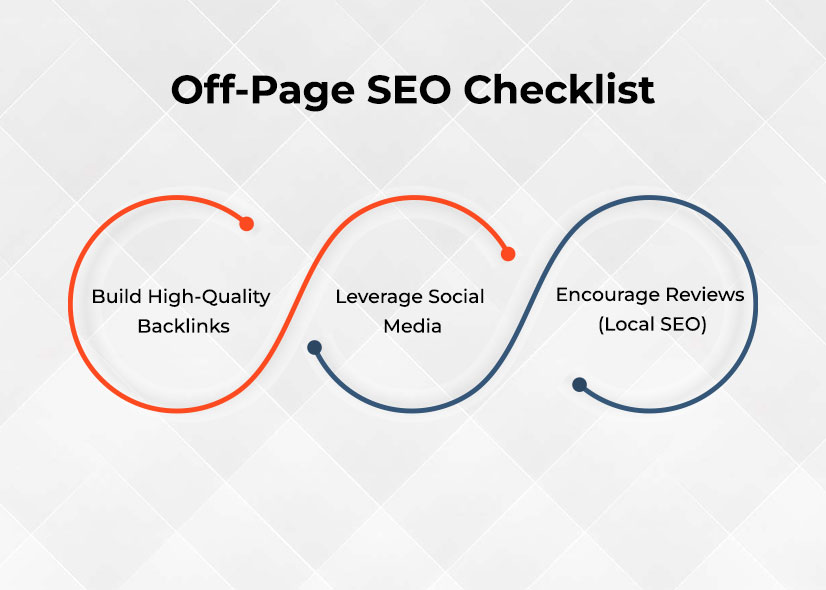
Build High-Quality Backlinks
Backlinks continue to be one of the most powerful ranking factors. Nevertheless, the quality is much more important than the quantity.
Focus on:
- Authoritative and relevant websites.
- Natural link-building strategies
- Not using spammy or poor-quality links.
Leverage Social Media
Social media does not have a direct influence on rankings yet increases your reach of content and traffic.
Benefits:
- Increased visibility
- Higher engagement
- Potential backlink opportunities
Encourage Reviews (Local SEO)
Reviews are essential to local businesses in terms of trust and visibility.
Why reviews matter:
- Influence purchasing decisions
- Enhance local search positions.
- Build credibility
Also Read: Local Search Marketing: How to Attract More Customers in Your Area
SEO Monitoring and Maintenance
Track Performance
SEO is data-driven. In the absence of performance tracking, there is no way to gauge success or to identify problems.
Use tools like:
- Google Analytics
- Google Search Console
Monitor the following using the tools mentioned:
- Organic traffic
- Keyword rankings
- User behavior
Perform Regular SEO Audits
Frequent audits are used to find the gaps and discover new optimization opportunities.
Audit focus areas:
- Technical issues
- Content gaps
- On-page improvements
Maintain Your Webpage
A healthy website is more effective and secure.
Maintenance checklist:
- Install updates on the plugins and themes.
- Periodically make backups of your site.
- Address technical problems in time.
SEO Is Not A Knowledge Game; It Is An Action Game
The owners of most websites are familiar with SEO theory, and only a handful use it at the same time. The distinction between ranking and not ranking is often based on execution. In case you go through this checklist step-by-step:
- Your technical background gets enhanced.
- Your content is doing better.
- Your power is increasing with time.
SEO does not concern shortcuts but involves the implementation of the appropriate strategies in a regular manner and optimizing them using data. If you also want to take your WordPress SEO game to the next level, then get in touch with SEO Toronto Experts. Our team of SEO experts will audit your website and then tailor a strategy that caters to your website’s unique requirements.



